Sorry vs Upptime vs Uptime.com
Three status page tools side by side, on the same feature list and the same verification schedule. We found 3 features where they do not all behave the same.
Verdict in one line each
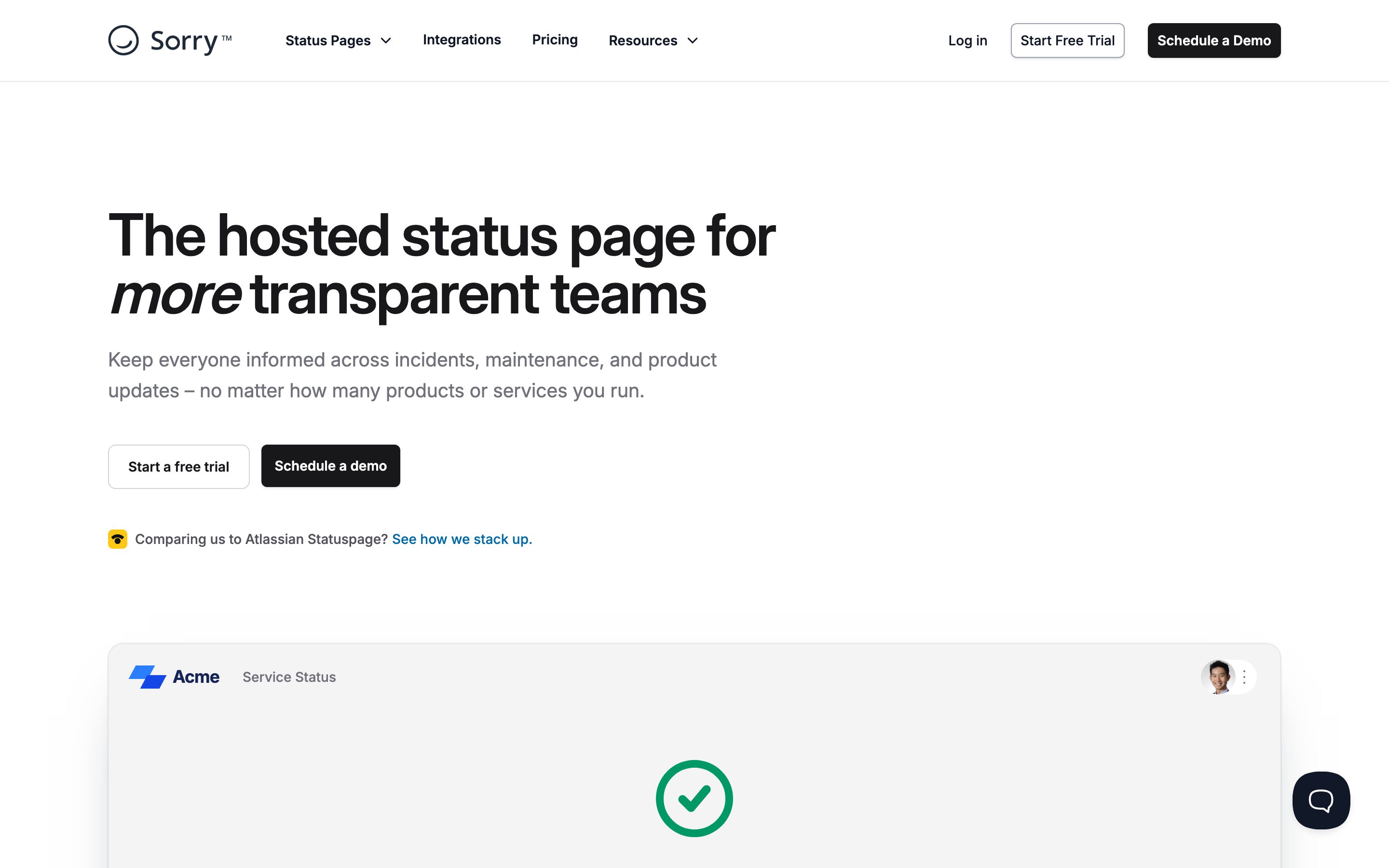
Sorry
Choose it if: Teams with monitoring already solved who only need the customer-facing comms layer.
Watch out: No built-in detection. Something else has to tell it an incident started.
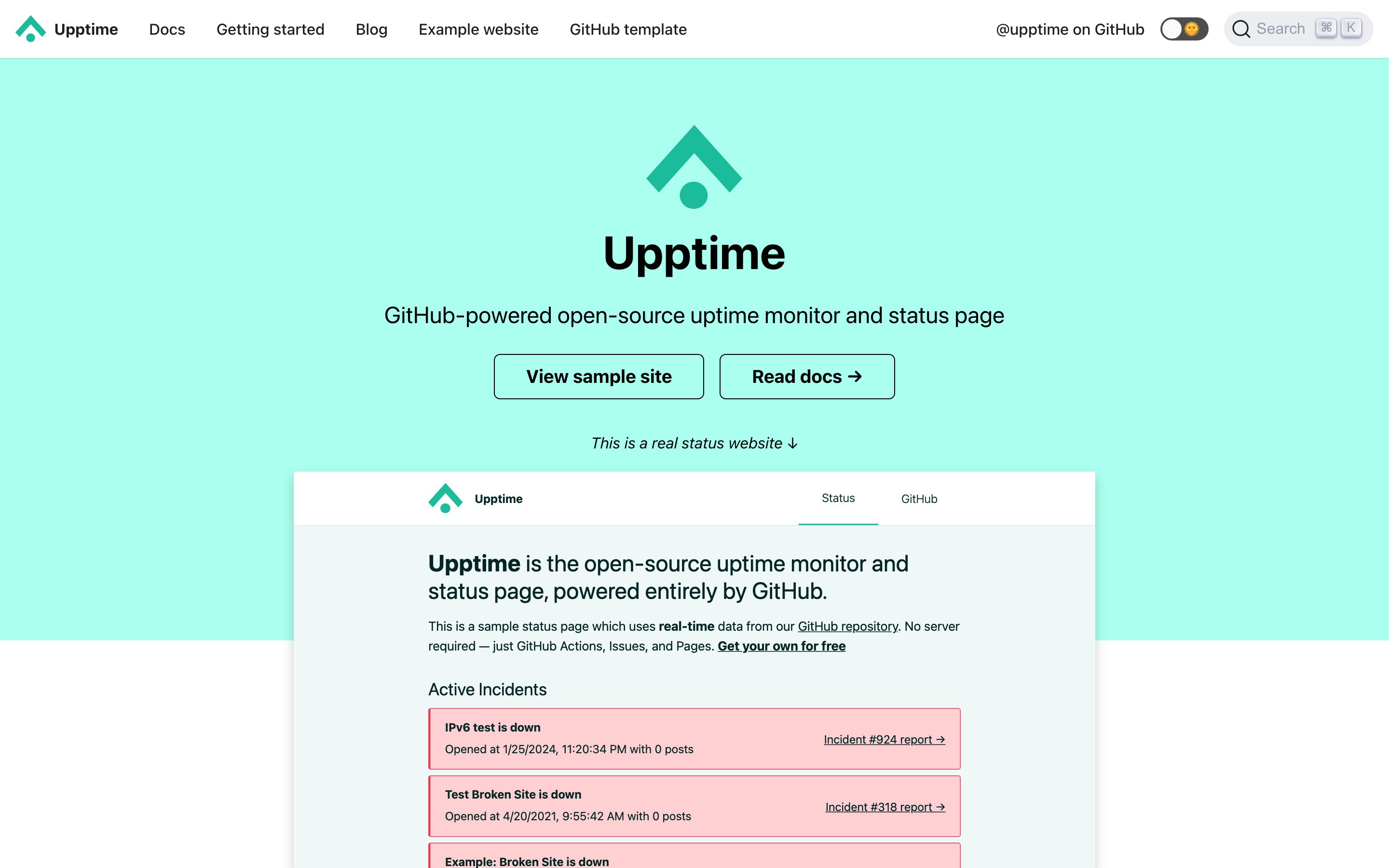
Upptime
Choose it if: Open-source projects and developers already living in GitHub who want a zero-cost page.
Watch out: Checks run on GitHub's cron schedule, so detection is coarse. There is also no subscriber list — notification happens through GitHub and chat, not an email audience you own.
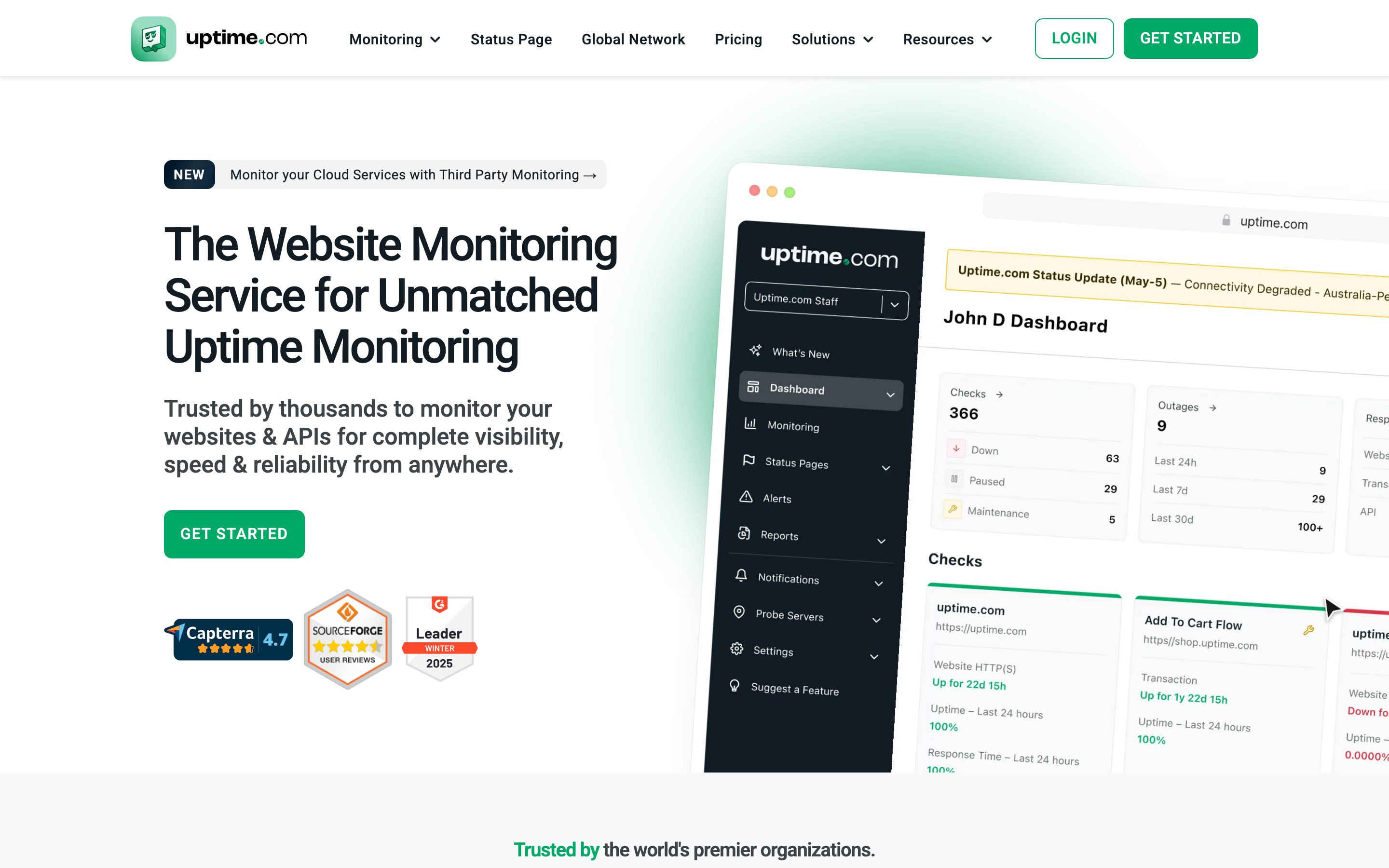
Uptime.com
Choose it if: Teams that need monitoring depth and SLA reporting alongside the page.
Watch out: Priced around monitoring volume, which is poor value if the status page is the only part you actually want.
Where the three diverge
- Email subscribers: Sorry and Uptime.com support it; Upptime does not.
- Built-in uptime monitoring: Upptime and Uptime.com support it; Sorry does not.
- Self-hostable: Upptime supports it; Sorry and Uptime.com do not.
Not yet verified across all three: scheduled maintenance, sms notifications, webhooks, rss / atom feed, embeddable widget, private status pages, audience-specific pages, public api, sso / saml. We leave these blank rather than guessing.
Full feature comparison
Rows where the three tools differ are highlighted.
| Feature | Sorry | Upptime | Uptime.com |
|---|---|---|---|
| Custom domainServe the status page on your own domain, e.g. status.example.com. | Yes | Yes | Yes |
| Remove vendor brandingWhether the vendor's own branding can be removed from the public page. | Yes | Yes | Yes |
| Per-component statusBreak the page into individual services or components with independent states. | Yes | Yes | Yes |
| Scheduled maintenanceAnnounce planned windows in advance and notify subscribers. | Yes | Not verified | Yes |
| Email subscribersLet customers subscribe to incident updates by email. | Yes | No | Yes |
| SMS notificationsDeliver incident updates over SMS. | Yes | Not verified | Yes |
| Slack notificationsPush incident updates into a Slack workspace. | Yes | Yes | Yes |
| WebhooksFire an HTTP callback when incident state changes. | Yes | Not verified | Yes |
| RSS / Atom feedMachine-readable incident feed. | Yes | Not verified | Yes |
| Embeddable widgetDrop a live status badge or banner into your own app. | Yes | Not verified | Not verified |
| Private status pagesRestrict the page to authenticated or invited viewers. | Not verified | No | Yes |
| Audience-specific pagesShow different components to different customer segments. | Not verified | No | Not verified |
| Built-in uptime monitoringThe tool can detect outages itself, rather than only displaying states you set manually. | No | Yes | Yes |
| Public APICreate and update incidents programmatically. | Yes | Not verified | Yes |
| SSO / SAMLSingle sign-on for your internal team members. | Not verified | No | Yes |
| Self-hostableSource available and deployable on your own infrastructure. | No | Yes | No |
Yes supported · No not supported · not yet verified by us (we show a dash rather than guessing).
Pricing
Pricing
Not yet verified. We have not independently confirmed this against the vendor since the last pricing change. Check the vendor page before relying on it.
Pricing
No vendor pricing. Upptime is open source and self-hosted, so there is no subscription. The cost is the infrastructure you run it on and the time someone spends operating it.
Pricing
Not yet verified. We have not independently confirmed this against the vendor since the last pricing change. Check the vendor page before relying on it.
What each one looks like
Common questions
Which of Sorry, Upptime and Uptime.com includes uptime monitoring?
Upptime and Uptime.com have monitoring built in; Sorry does not and rely on an external check to open incidents. If you already run a monitoring stack the bundled monitor is overlap rather than value, but if you do not, buying the two separately usually costs more.
Can any of Sorry, Upptime and Uptime.com be self-hosted?
Upptime can be deployed on your own infrastructure; the others are hosted only. That matters if incident data has to stay inside your own perimeter, and it changes the cost shape entirely — you trade a subscription for the time it takes to run it.
What is the biggest difference between Sorry, Upptime and Uptime.com?
On the features we have verified for all three, the split is: Sorry and Uptime.com on email subscribers; Upptime and Uptime.com on built-in uptime monitoring; Upptime on self-hostable. Everything else on the checklist is either shared or still unverified.
Which of the three is cheapest?
These vendors meter different things, so the ranking flips depending on your subscriber count and how many team seats you need. We link to the live pricing pages rather than quoting figures we have not re-verified. The variable that usually decides it is subscriber count: tools that charge per notified subscriber get expensive at exactly the point your product starts working.